A Festival Meeting Plan That Still Works When Messages Are Delayed
A crowded site can make a simple “where are you?” exchange unreliable. Choose clear landmarks and timed check-ins, and separate an ordinary reunion plan from the event’s emergency instructions.
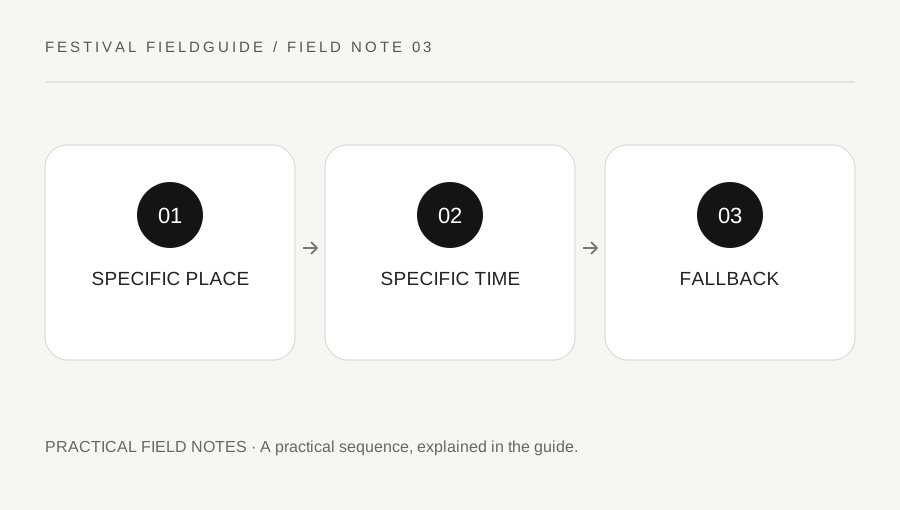
Original explanatory diagram. Examples illustrate a method or decision; they are not claims of personal testing.
Choose a landmark that can be described
Use a fixed, clearly named feature on the current official map, with a specific side or nearby detail. “At the main stage” can describe a huge area. “By the marked information point, on the side away from the stage” is more precise, provided that location actually exists and does not obstruct a route.
Confirm the landmark together early in the day if practical. A photograph taken by your group can help distinguish it, but do not make the plan depend on everyone loading a new image over a busy network. Avoid restricted areas, narrow exits or places staff need to keep clear.
Keep accessibility and comfort in mind. A meeting point that requires one person to cross difficult ground or wait without a suitable rest option may not be realistic for the whole group.
Use times and a waiting rule
Agree on when a check-in happens and how long the group will wait before using the fallback. Write times unambiguously and include the date if plans cross midnight. A relative instruction such as “after the set” can fail if one person leaves early or the timetable changes.
For a worked example, two friends attend different performances and plan to reunite at a confirmed landmark at a stated time. They agree that a delayed text does not automatically move the meeting point. If they need to change the plan, the message includes the sending time and the new instruction clearly.
The exact waiting interval is a group choice based on the site and circumstances, not a universal safety rule. Do not use a routine waiting plan when someone may need urgent help; contact event staff through the appropriate route.
Keep a low-technology copy
Save the current map, important contacts and reunion instructions offline where the official format allows. A screenshot can preserve a static map, but a live ticket or rotating barcode may require its official app or wallet process. Do not assume every digital credential works from a screenshot.
Write at least one useful contact and the accommodation or return destination somewhere available if the phone is lost or the battery fails. Protect personal details and avoid printing more sensitive information than needed. A portable charger is useful only if it meets the event's item rules and actually has the correct cable.
Do not share precise live locations publicly. Group communication should remain within trusted contacts. If a phone is missing, use the official lost-property and account-protection processes rather than approaching a stranger based on an uncertain device-location result.
Separate reunions from emergencies
Read the event's safety page and follow staff directions during an evacuation or other incident. A personal landmark inside the site may be inaccessible or unsuitable. The organizer's instructed route and assembly arrangements take priority over an ordinary reunion plan.
If someone is unwell, lost in a concerning way or needs assistance, contact the official information, medical or security team as appropriate. Do not delay necessary help simply to complete a planned waiting period. A group message is not an emergency response service.
Finish by reading the plan aloud: location, time, waiting rule, fallback and official-help route. If any part needs a long explanation, simplify it. A useful meeting plan reduces decisions when messages are late, while remaining flexible enough to defer immediately to the people responsible for safety on the actual festival site.
A practical checklist
Choices are saved in this browser. Reset them here or clear this site’s browser storage.
Questions that come up
Is “meet at the stage” specific enough?
Usually not. A stage area can be large and crowded. Choose a recognizable fixed feature without blocking movement or staff access.
Will a ticket screenshot always work offline?
No. Some credentials require an official app or dynamic code. Follow the ticket provider’s current instructions.
Should we wait at our landmark during an evacuation?
Follow organizer and staff instructions instead. A normal meeting point may be inaccessible or unsafe during an incident.
References & scope
Background references checked on 18 October 2026. Worked examples and diagrams are original teaching material.